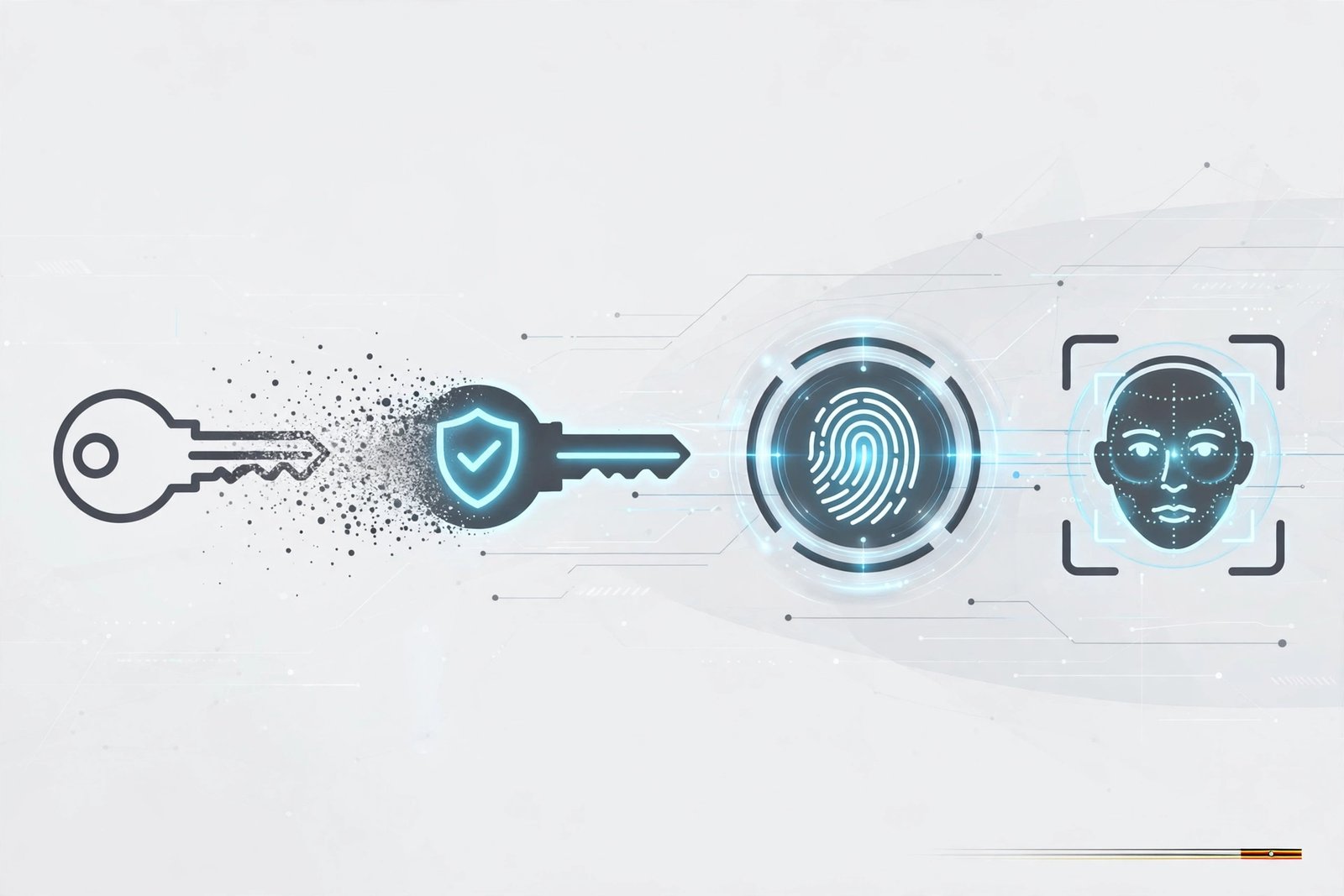
Passwords Are on Their Way Out. Here's What's Replacing Them
- September 24, 2026
For decades, the password has been the key to our digital lives. Email, banking, social media, and mobile money all sit behind a string of characters we're supposed to remember, keep secret, and never reuse. Most of us fail at at least one of those. The tech industry has now accepted that the password was never a great idea, and the biggest companies in the world are actively moving away from it.
So what comes next? The answer is a combination of passkeys and biometrics, and there's a good chance you've already used them without noticing.
Why passwords are failing
Passwords are hard to remember, so people make them simple. Simple passwords are easy to guess, so services demand complex ones. Complex passwords are hard to remember, so people reuse them across sites. When one site gets breached, attackers try those leaked email and password combinations everywhere else, a technique called credential stuffing, and often get in.
Then there's phishing. A convincing fake login page or a well-crafted SMS is all a scammer needs to get you to type your password into the wrong place. No matter how strong your password is, it's useless once you've handed it over.
Security experts have been saying this for years. What's changed is that there is now a practical alternative built into the devices we already carry.
Enter passkeys
A passkey is a new way to sign in that replaces your password entirely. Instead of typing something you know, you prove your identity with the device you have, usually your phone or laptop, unlocked by your fingerprint, face, or screen PIN.
Behind the scenes, passkeys use a technology called public-key cryptography. When you create a passkey for a website, your device generates two linked keys. The public key is stored by the website. The private key never leaves your device. When you sign in, the website sends a challenge, your device signs it with the private key, and the website checks the signature. No secret is ever typed, sent, or stored on the company's servers.
This design solves the biggest password problems at once:
Nothing to steal from servers. If a website is hacked, attackers only get public keys, which are useless on their own.
Phishing-resistant. A passkey is tied to the exact website it was created for. A fake site with a lookalike address simply won't trigger it.
Nothing to remember. No more "forgot password" loops or sticky notes on the monitor.
Passkeys are built on open standards developed by the FIDO Alliance, an industry group whose members include Apple, Google, and Microsoft. Those three companies committed in 2022 to supporting passkeys across their platforms. Since then, Google has made passkeys the default sign-in option for personal accounts, and Microsoft has moved new accounts toward being passwordless by default. Many popular services, including WhatsApp, PayPal, Amazon, and TikTok, now let you sign in with a passkey.
Where biometrics fit in
Biometrics, meaning your fingerprint, face, or in some cases your voice or iris, are what make passkeys feel effortless. When your phone asks you to touch the sensor or look at the screen to approve a sign-in, it's using biometrics to unlock the passkey stored on the device.
One important point often gets misunderstood. Your fingerprint or face data is not sent to the website. It stays on your device, typically in a secure chip, and is only used locally to confirm that you're the one holding the phone. The website only ever sees the cryptographic proof from the passkey.
Biometrics on their own aren't perfect. You can change a leaked password, but you can't change your fingerprint. That's exactly why the passkey model works well: biometrics unlock the device, and the device does the real authentication, so your biological data is never the thing being passed around.
What about losing your phone?
This is the most common worry, and it's a fair one. The major platforms handle it by syncing passkeys through your account. Apple uses iCloud Keychain, and Google uses Google Password Manager, so if you lose your phone, your passkeys come back when you sign in on a new one. Password managers such as 1Password, Bitwarden, and Dashlane can also store and sync passkeys across different brands of devices.
You can also sign in on a computer that doesn't have your passkey by scanning a QR code with your phone. The phone does the authentication, and the computer gets logged in.
The catch is that your main account, your Google or Apple ID, becomes even more important. Protect it well and keep your recovery options, such as a backup phone number or email, up to date.
Are passwords really going away?
Not overnight. Millions of websites, older apps, and banking systems still rely on passwords, and it will take years for everyone to catch up. For now, most services offer passkeys alongside passwords rather than instead of them.
The direction is clear, though. Every major platform is pushing passkeys, and each new phone and operating system update makes them easier to use.
What you can do today
Turn on passkeys for your main accounts. Start with Google, Apple, or Microsoft. Look under the security or sign-in settings.
Add passkeys wherever you see the option. Many apps now prompt you after you log in.
Keep your phone's screen lock strong. Your device is now your key, so protect it with a fingerprint, face unlock, or a solid PIN.
Use a password manager for sites that still need passwords. It will generate unique passwords for each site and can often store passkeys too.
Stay alert to phishing. Passkeys stop fake login pages, but scammers will still try SMS tricks and phone calls. Never share one-time codes with anyone.
The bottom line
The password had a long run, but it was built for a simpler internet. Passkeys, unlocked by the biometrics already built into our phones, are faster to use, far harder to steal, and designed to beat the scams that passwords can't. The transition will take time, but the next time an app asks, "Would you like to create a passkey?", the answer should be yes.